
MPEG-H Export#
See Export
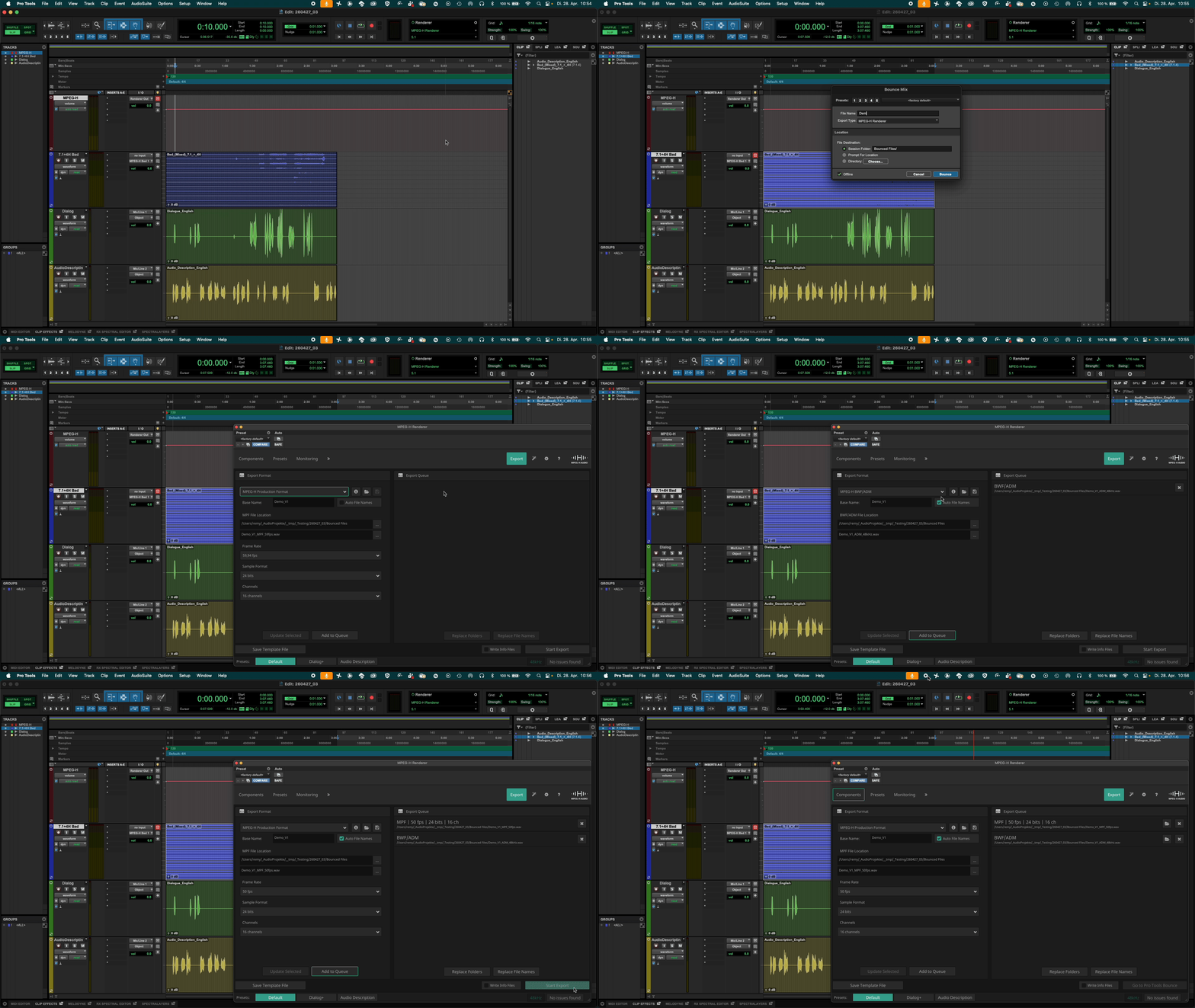
Define the export range.
Select “File” - “Bounce Mix”.
In the dialog, select “MPEG-H Renderer”.
Define the export file name and file destination folder.
Press “Bounce”.
The MPEG-H Renderer window opens with the “Export” tab.
Define the export settings and fill the export queue.
Press “Start Export”.
Note
The online export is silent.