
Setup Assistant#
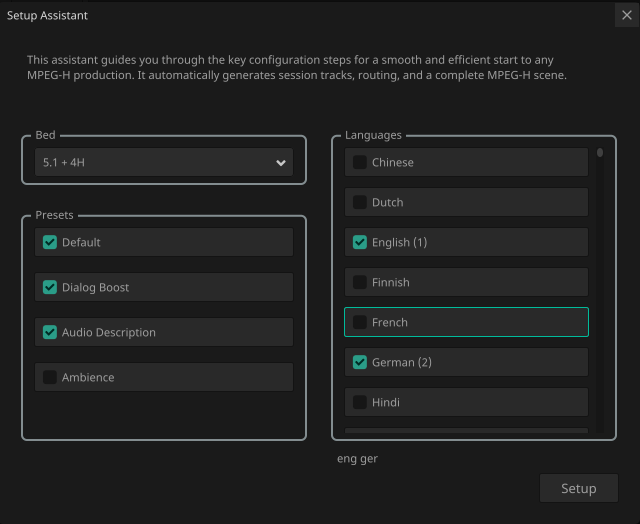
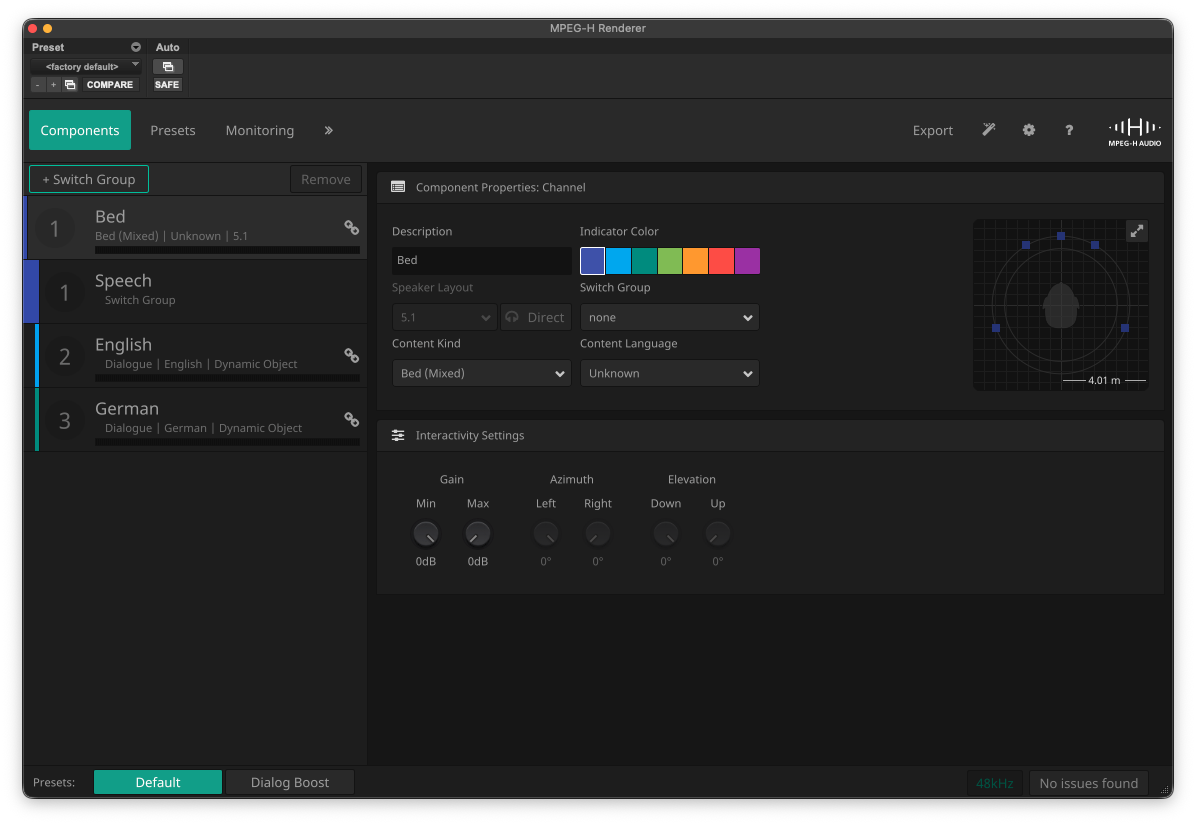
The Setup Assistant is an optional guide that supports you through the key configuration steps for a typical MPEG-H Audio production with a single bed and multiple languages. You can also access the Setup Assistant by pressing the “Magic Wand” button in the top bar of the MPEG-H Audio Renderer window. Based on the selected options, the Setup Assistant creates the required tracks, assignments and a fully configured MPEG-H Audio scene.
Workflow#
Create a new empty session.
Select the MPEG-H Renderer and open the UI.
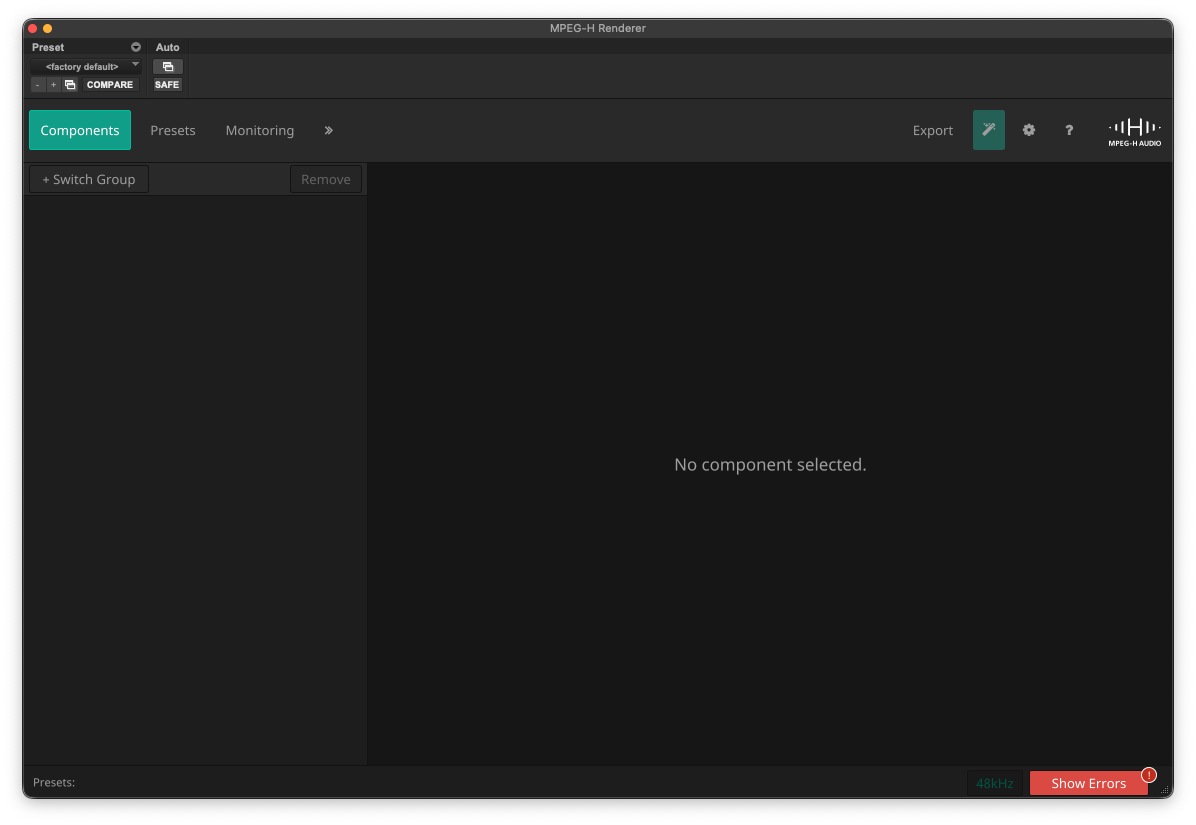
Open the Setup Assistant by clicking on the magic wand icon.

Configure the scene.
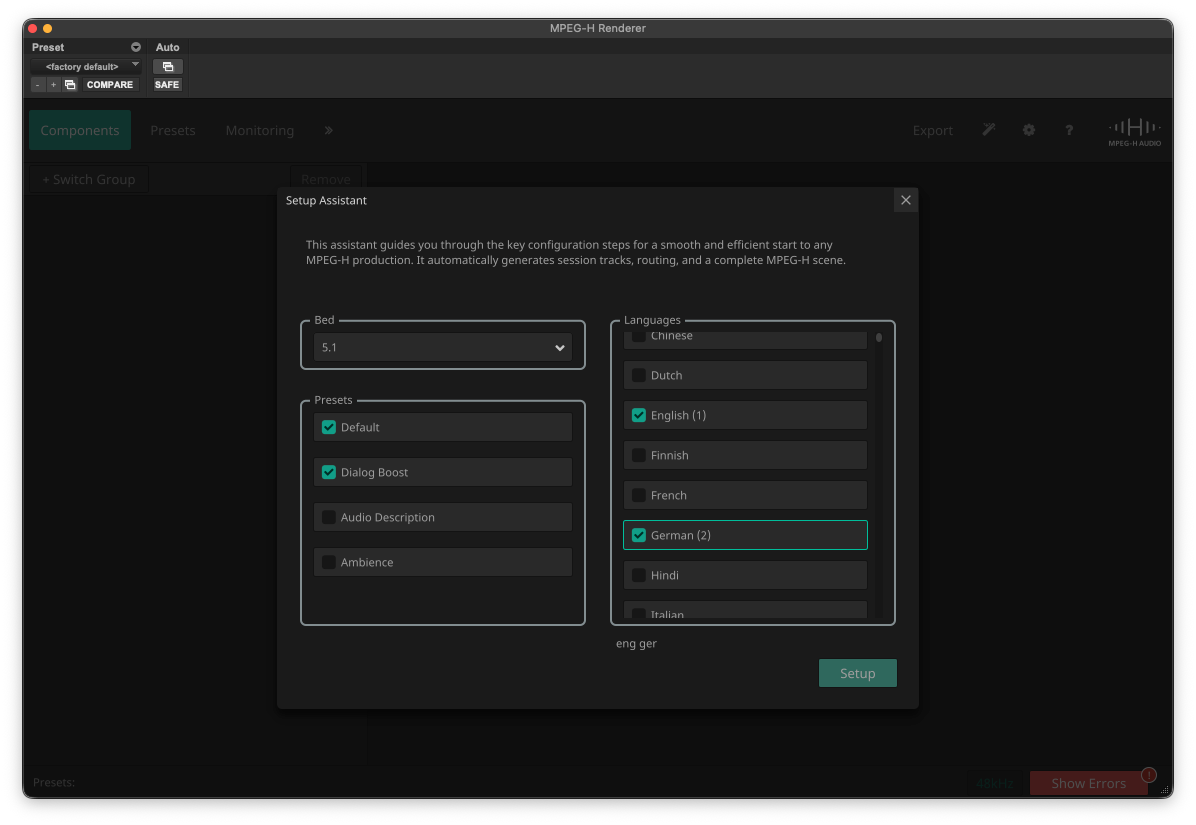
Press “Setup” to create audio tracks and the MPEG-H scene.
Note
The Setup Assistant can only be used if there are no existing MPEG-H objects or beds in the session.
Bed#
The format of the primary bed. Will be the first component in the MPEG-H scene.
Languages#
Defines the audio tracks and scene components for these languages. If the Audio Description preset is selected, additional tracks and components for audio descriptions in these languages are created as well. If multiple languages are selected, a switchgroup called “speech” will automatically be created. For audio description a separate “Audio Description” switchgroup will be created.
Presets#
Default: The default mix of primary bed and lanugage(s).
Dialog Boost: A representation of the default mix with +9dB offset for dialog components.
Audio Description: A mix with pre-configured gain sequences for ducking the bed and dialog components to achieve maximum accessibility.
Ambience: Only includes the bed component.
All initial settings can be finetuned later in the production process
Warnings#
No preset selected: At least one preset must be created.
Scene exceeds 16-channel SDI workflow: The scene could not be exported as 16-channel MPF.
Exceeding component limit: A maximum of 16 components are allowed.
Exceeding track limit: A maximum of 32 audio tracks are allowed.